Table of contents
The latest CapCut APK is v19.8.0 (October 2026, ~114 MB, Android 6.0+). Download it with the button below. If the newest version is slow or crashes on your phone, you can install an older CapCut APK such as 18.6, 16.5, 14.0 or 9.8 — but first uninstall the current app, because Android does not allow installing a lower version over a higher one.
Download the latest CapCut APK
This is the newest official release of CapCut – Video Editor by Bytedance Pte. Ltd. It is not modified in any way.

CapCut APK – Latest Version
Bytedance Pte. Ltd.
Free download. Original app file from the developer — not modified.
After downloading, follow the installation steps: allow "Install unknown apps" for your browser, open the file and tap Install.
CapCut APK old versions
Looking for CapCut 9.8.0, CapCut 14.0 or another older release? Here is the version list. Older builds can be useful on low-RAM phones or if a feature you liked was moved or removed.
| Version | Notes | Download |
|---|---|---|
| 19.8.0 | Latest version — newest templates, effects and AI tools | Get |
| 19.0.0 | Stable 19.x release | Get |
| 18.6.0 | Previous major release — good if 19.x has a bug on your phone | Get |
| 17.8.0 | Popular 17.x build | Get |
| 16.9.0 | Late 16.x build with many AI tools | Get |
| 16.5.0 | Lighter build for mid-range phones | Get |
| 14.8.0 | Stable timeline, fast export | Get |
| 14.0.0 | Classic 14.x interface | Get |
| 9.8.0 | Old lightweight build for low-RAM phones (not a "Pro" version) | Get |

Old versions may lose access to new templates, cloud sync or login, and they do not get security fixes. Use them only if the latest version really does not work on your device.
CapCut 9.8.0 APK
Version 9.8.0 is one of the most searched old releases, often called "CapCut Pro version 9.8.0". It is simply an older official build with a lighter interface — it does not include Pro features for free. It can run better on phones with 2–3 GB of RAM, but many new templates and AI tools will not appear. Full details: CapCut 9.8.0 APK guide.
CapCut 14.0 and 14.8 APK
The 14.x releases are popular because of their stable timeline and fast export on mid-range phones. They are a good middle ground if 19.x feels heavy on your device. See the CapCut 14.0 APK guide.
CapCut 16.x and 18.x APK
The 16.x and 18.x builds added more AI tools and templates. If you just need a slightly older version because of a bug in the newest one, choose the latest 18.x release.
How to downgrade CapCut to an older version
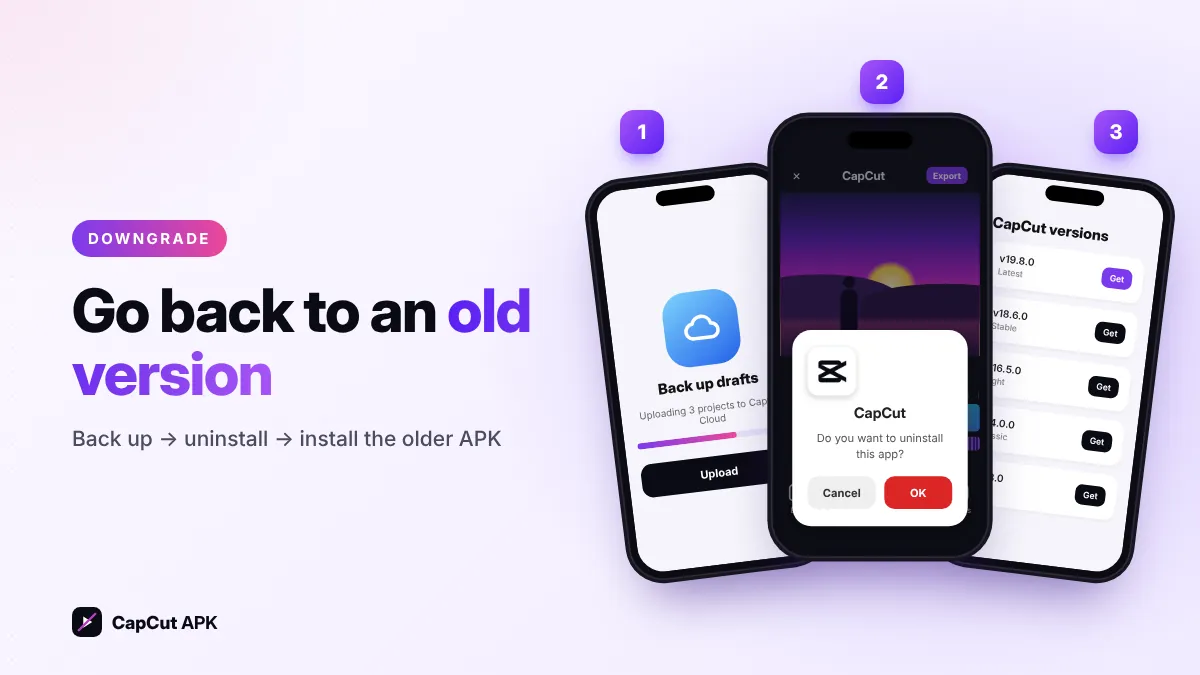
- Back up your projectsLog in and upload important drafts to CapCut Cloud, or export finished videos. Uninstalling deletes local drafts.
- Uninstall the current CapCutLong-press the CapCut icon → App info → Uninstall.
- Download the old APKPick your version from the table above.
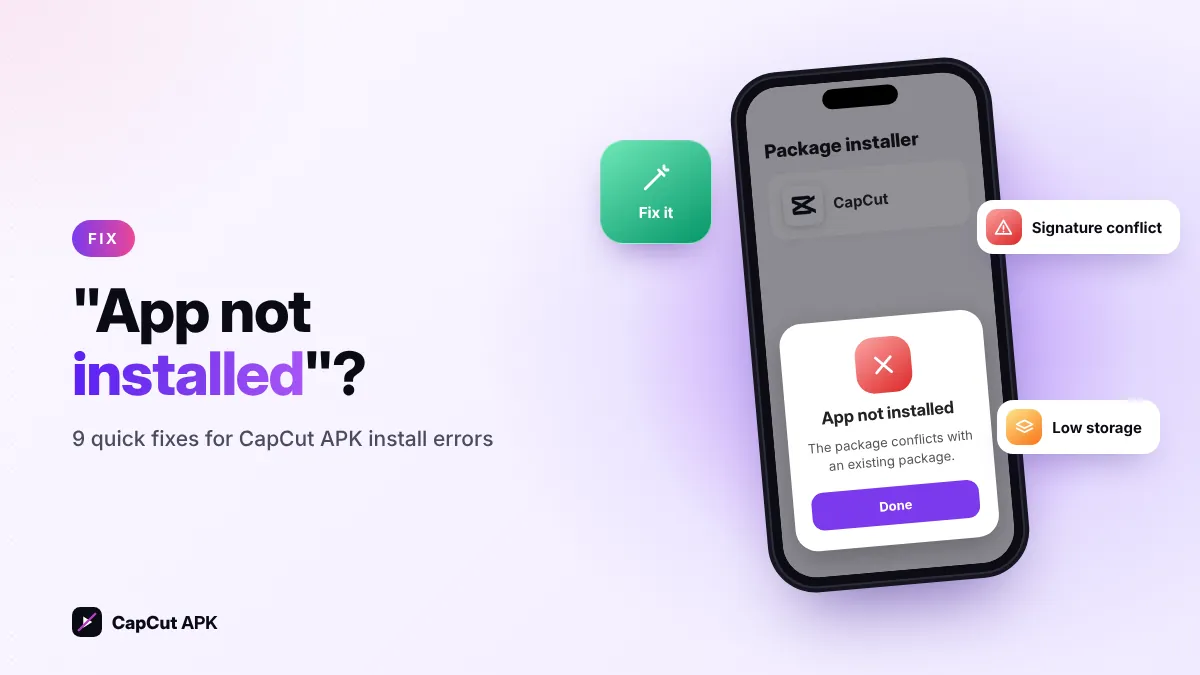
- Install itOpen the file and tap Install (allow unknown apps if asked). Getting "App not installed"? Fix it here.
- Stop automatic updatesIf CapCut is in your Play Store, open its page, tap the three dots and turn off Enable auto update, otherwise it will update again.
How to update CapCut APK to the newest version
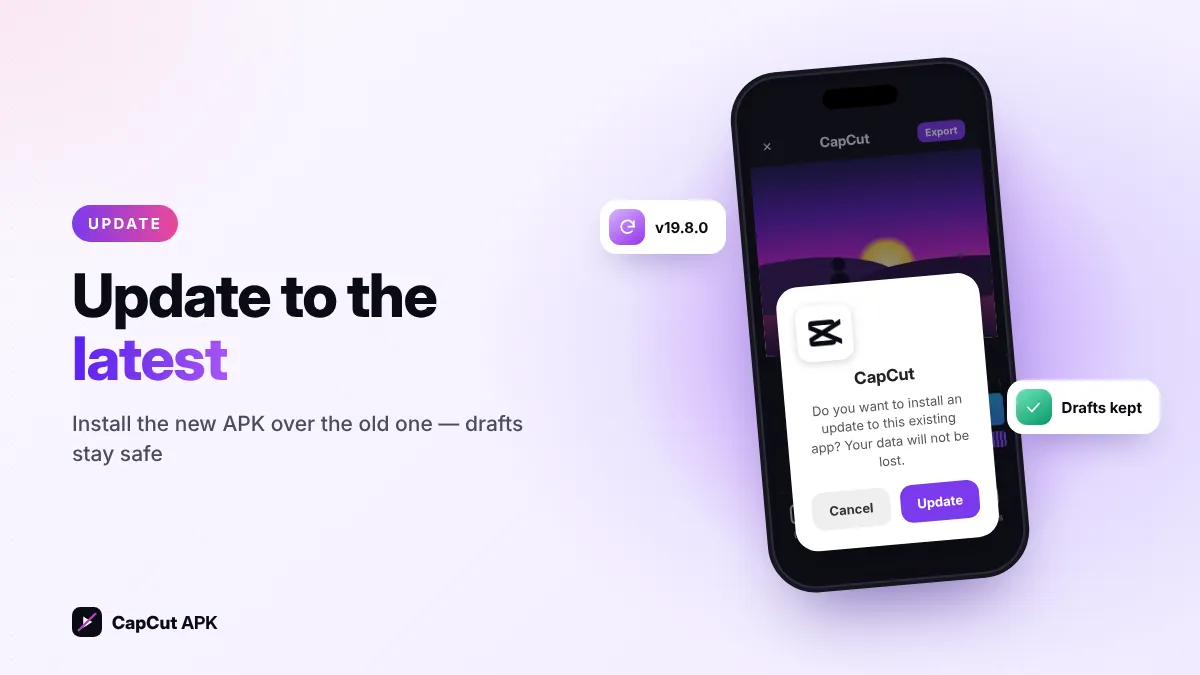
Updating is easier than downgrading because you do not need to uninstall:
- Check your versionIn CapCut, open Settings (gear icon) and scroll down to see the installed version.
- Download the latest APKCompare it with the version on this page (currently v19.8.0) and download if yours is older.
- Install over the old appTap the file and choose Update. Your drafts and settings stay.
Bookmark this page. We update the version number, file size and download link here every time CapCut releases a new APK.
Latest or old version: which should you choose?
| Your situation | Best choice |
|---|---|
| Phone with 4 GB+ RAM and Android 10+ | Latest version (19.8.0) |
| You need the newest templates and AI tools | Latest version |
| Phone with 2–3 GB RAM, app lags or crashes | An older 14.x or 16.x build |
| A bug appeared after the last update | The previous release (e.g. 18.x) until a fix arrives |
| Android 5 or older | CapCut no longer supports it — try a lighter editor |
Was this helpful? Rate CapCut APK
Be the first to rate