Table of contents
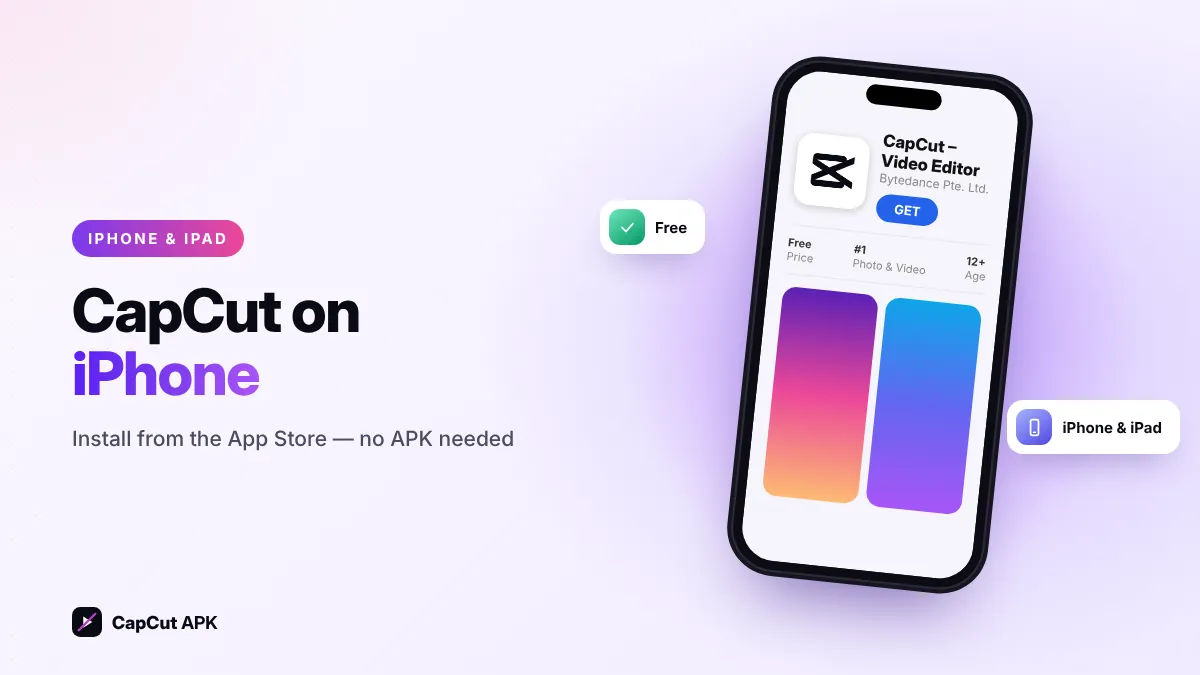
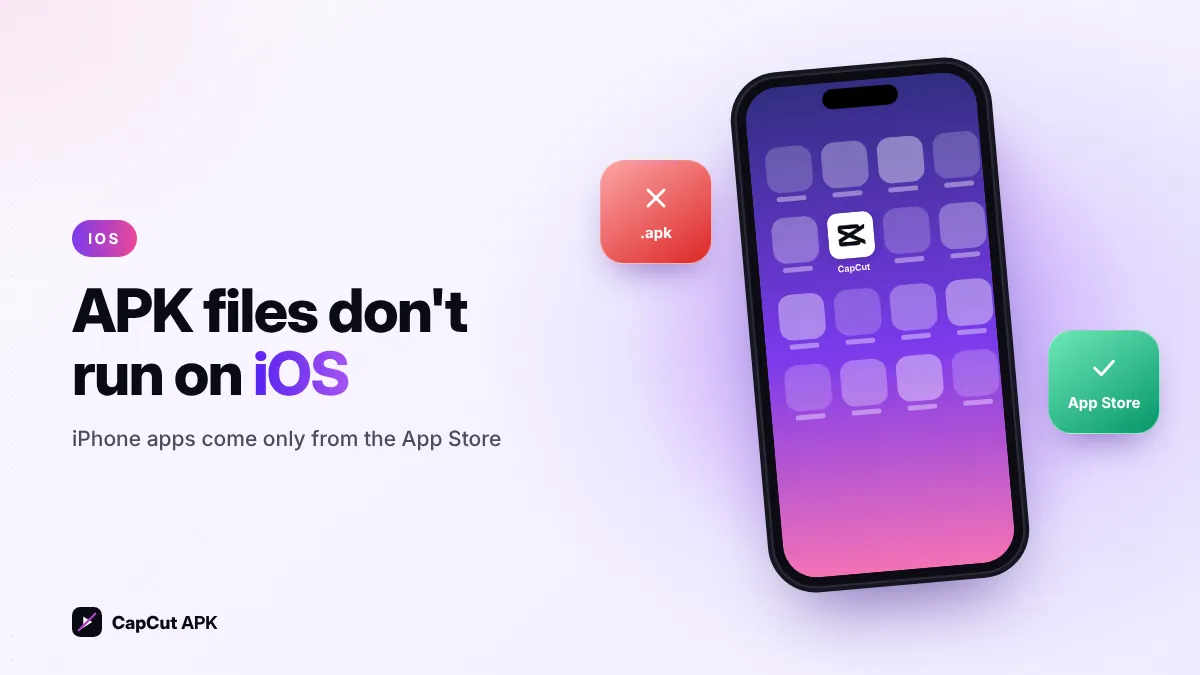
CapCut APK does not work on iPhone. APK files are only for Android. On iPhone and iPad, install CapCut: Photo & Video Editor from the App Store (free, requires a recent version of iOS). If CapCut is not available in your country's App Store, you can use the CapCut web editor in Safari instead.
Why CapCut APK can't be installed on iPhone
Android apps come as .apk files, while iPhone apps are .ipa packages that Apple only allows from the App Store (or, in some regions, approved alternative marketplaces). An iPhone simply cannot open an APK. Websites that promise a "CapCut APK for iOS" or a modified IPA usually push fake profiles or adware — avoid them.
How to download CapCut on iPhone and iPad
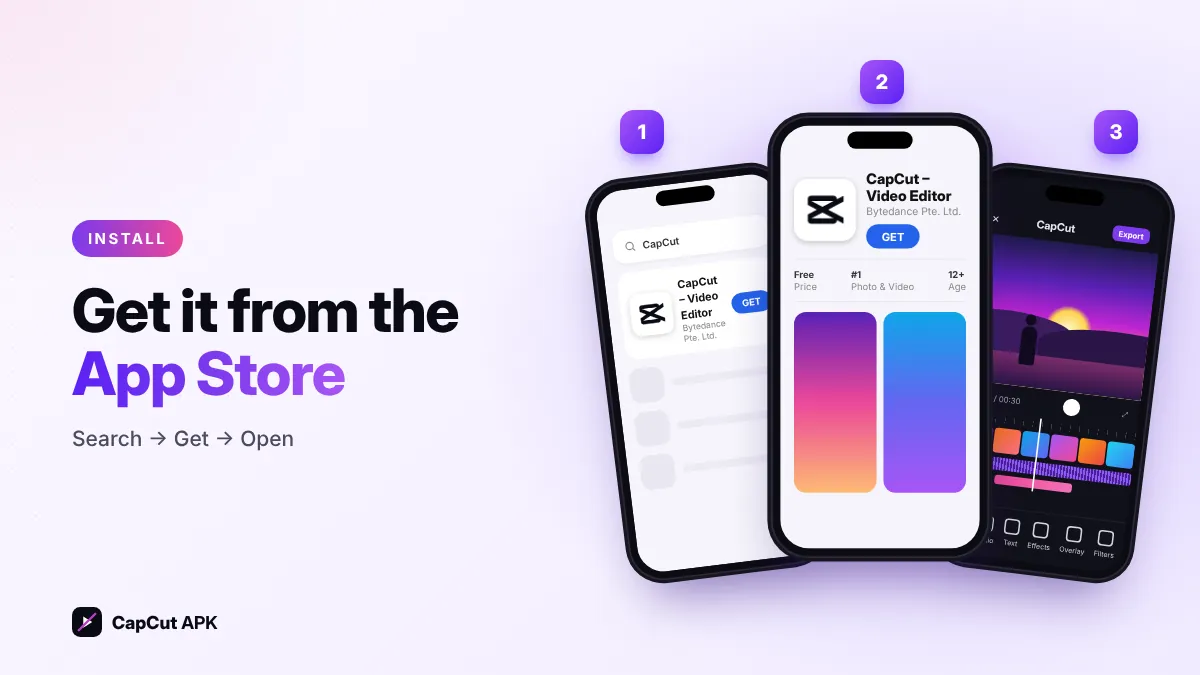
- Open the App StoreTap the search tab and type CapCut.
- Check the developerChoose CapCut: Photo & Video Editor by Bytedance Pte. Ltd.
- Tap "Get"Confirm with Face ID, Touch ID or your Apple ID password.
- Open and allow accessGive CapCut access to the photos you want to edit (you can choose "Selected photos" for more privacy).
CapCut not available in your App Store?
In some countries — including India, where CapCut has been blocked since 2020 — the app does not appear in the App Store. Your options:
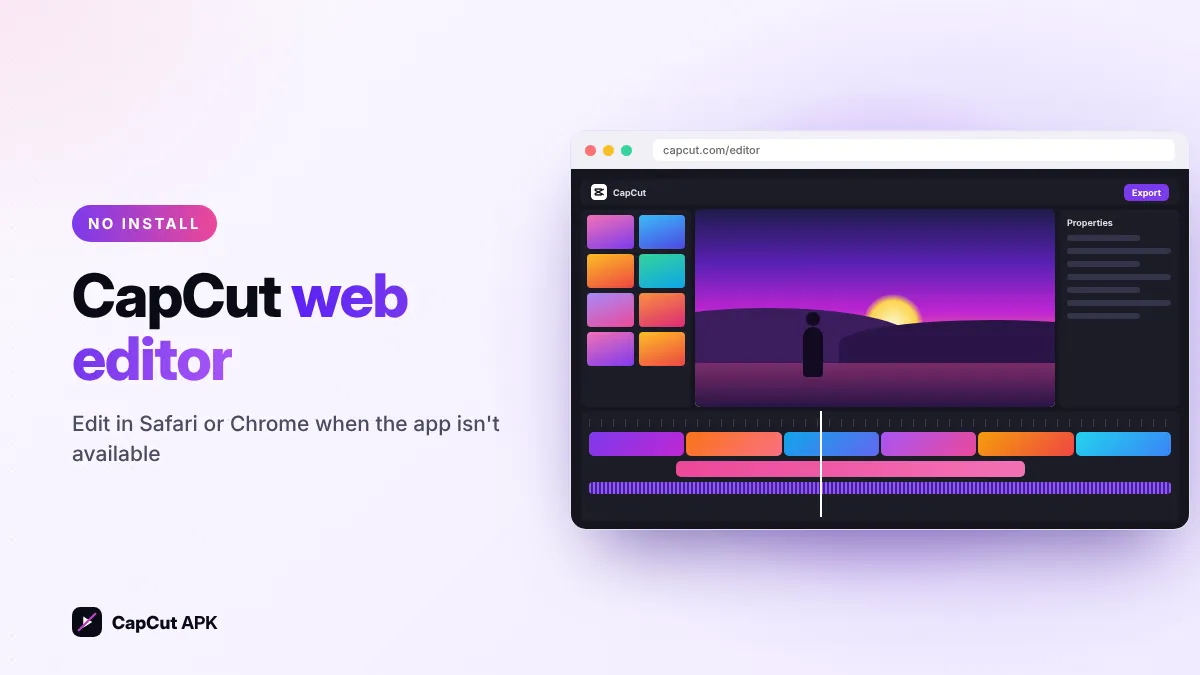
- Use the CapCut web editor at capcut.com in Safari or Chrome. It works on iPad well and on iPhone for simple edits.
- Use another editor such as iMovie (free from Apple), VN or InShot.
- If you previously downloaded CapCut, it may still appear under App Store → Profile → Purchased.
Please follow the rules and laws that apply in your region.
CapCut iOS requirements
| Details | |
|---|---|
| Devices | iPhone, iPad and iPod touch with a supported iOS / iPadOS version |
| iOS version | A recent iOS version — check the App Store listing for the current minimum |
| Storage | At least 1–2 GB free for the app, cache and exports |
| Price | Free, with optional CapCut Pro in-app subscription |
CapCut on iPhone vs Android
The iPhone and Android apps have almost the same features: timeline editing, templates, auto captions, keyframes, effects and AI tools. Differences are small — the iPhone app can export HDR video from supported iPhones, while Android users can install specific versions using the CapCut APK. Your projects and Pro subscription sync between both when you log in with the same account.
Tips for editing on iPhone
- Film in 4K 30 fps for sharp results, then export at 1080p for social media to save space.
- Turn on Smart HDR in export settings only if your viewers use HDR screens.
- Clear the CapCut cache in Settings → Clear cache when storage is low.
Was this helpful? Rate CapCut APK
Be the first to rate