Table of contents
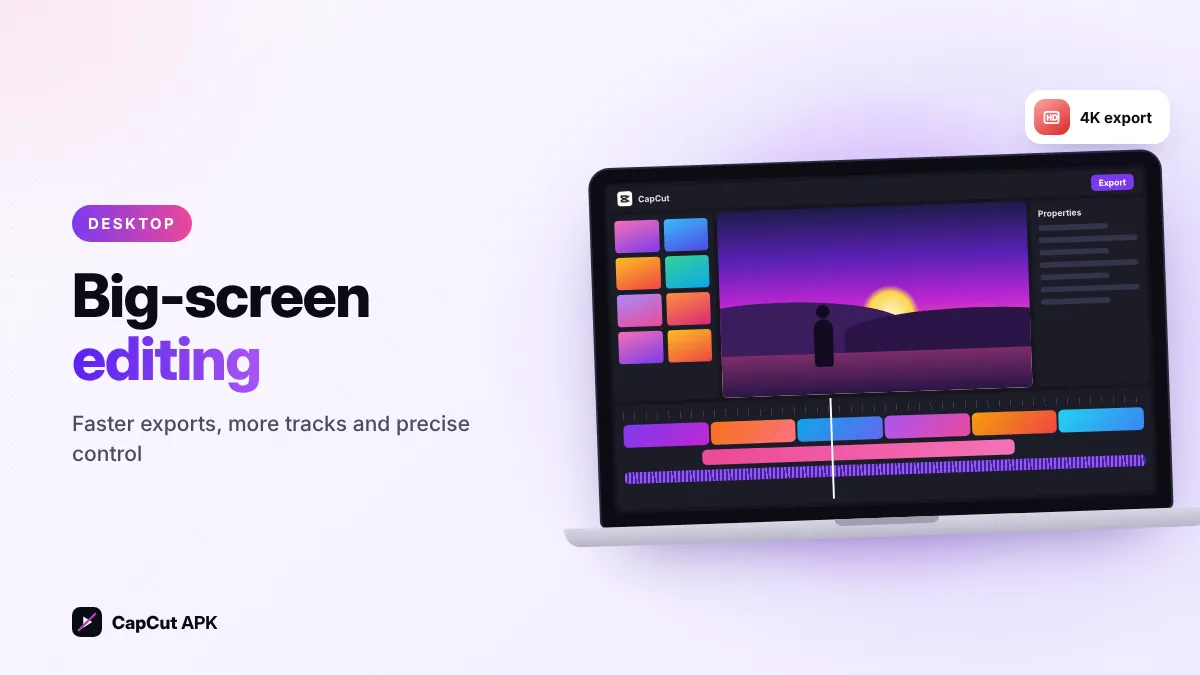
You don't need an APK to use CapCut on a computer. CapCut has an official desktop app for Windows 10/11 (64-bit) and macOS, available free from capcut.com, and a web editor that runs in Chrome or Edge. Running the Android APK in an emulator like BlueStacks is possible but slower and not recommended.
3 ways to use CapCut on PC
| Method | Speed | Best for |
|---|---|---|
| CapCut desktop app (Windows/Mac) | Fastest | YouTube videos, long projects, 4K editing |
| CapCut web editor | Good | Quick edits on any computer without installing |
| Android APK in an emulator | Slow | Only if you need a mobile-only template |
How to download CapCut for Windows 10/11
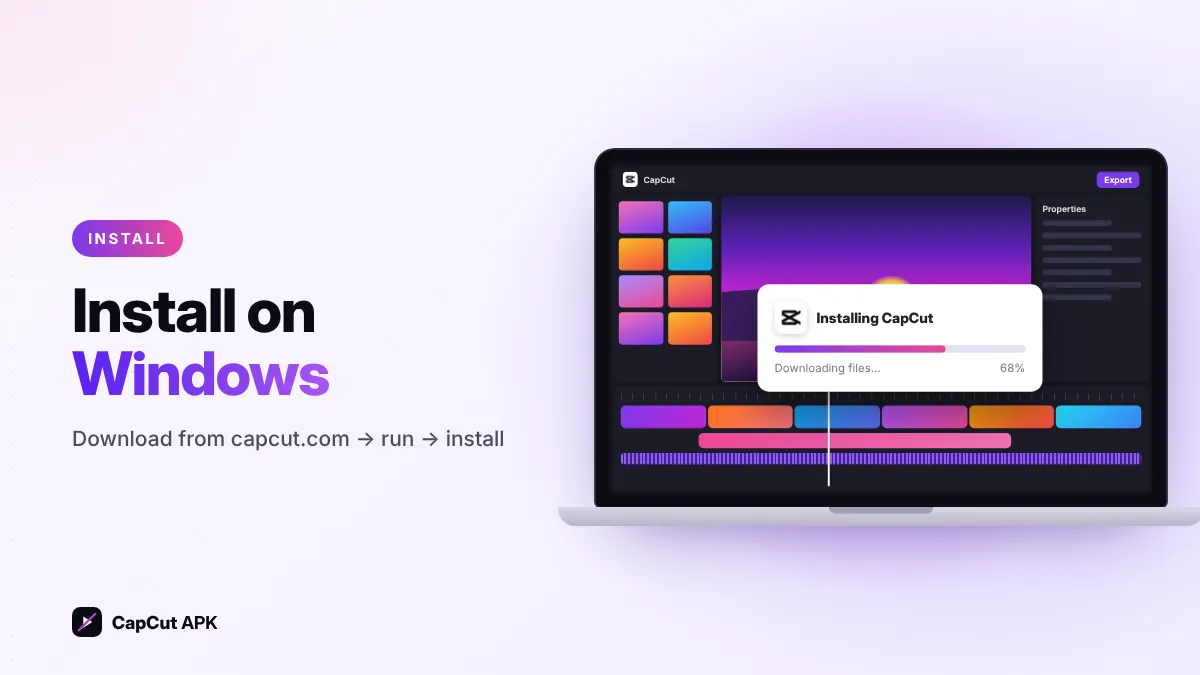
- Open the official siteGo to capcut.com and choose Download for Windows.
- Run the installerOpen the downloaded
.exefile and allow it to make changes. - InstallChoose an install folder (an SSD is best) and click Install. The installer downloads the remaining files.
- Log inSign in with the same account you use on your phone to sync projects and Pro.
How to download CapCut for Mac
Download CapCut from the Mac App Store or from capcut.com (choose Download for Mac), open the .dmg and drag CapCut into Applications. It runs natively on both Apple silicon (M-series) and recent Intel Macs.
CapCut for PC system requirements
| Minimum | Recommended | |
|---|---|---|
| Operating system | Windows 10 64-bit / recent macOS | Windows 11 / latest macOS |
| Processor | Intel Core i3 / AMD Ryzen 3 or Apple M1 | Core i5/i7, Ryzen 5/7 or Apple M2+ |
| RAM | 8 GB | 16 GB for 4K editing |
| Graphics | Integrated GPU | Dedicated GPU (NVIDIA/AMD) for faster export |
| Storage | 2 GB free | SSD with 10 GB+ free for cache |
CapCut desktop vs mobile vs web

| Feature | Desktop | Mobile (APK) | Web |
|---|---|---|---|
| Screen space & precision | Best | Small | Good |
| Multiple tracks | Unlimited | Yes | Yes |
| Templates | Yes | Largest library | Yes |
| Export speed | Fastest (GPU) | Depends on phone | Cloud-based |
| Watermark on free plan | May show | No visible watermark | May show |
| Install needed | Yes | Yes | No |
Tip: start a quick edit on your phone, then open the same project on PC via cloud sync to finish it on a bigger screen.
Can you run CapCut APK on PC with an emulator?
Yes, an Android emulator such as BlueStacks or the Windows emulator in Google Play Games can install the CapCut APK. But emulators use more RAM, exports are slower and some features may not work. Since the free desktop app exists, use the emulator only if you need a template that is available in the mobile app alone.
Tips for editing with CapCut on PC
- Turn on proxy media (in settings) for smoother 4K editing on slower laptops.
- Learn shortcuts: Ctrl+B to split, Space to play, Ctrl+Z to undo.
- Keep your project and cache on an SSD.
- Update graphics drivers if exports fail or the preview stutters.
Was this helpful? Rate CapCut APK
Be the first to rate