Table of contents
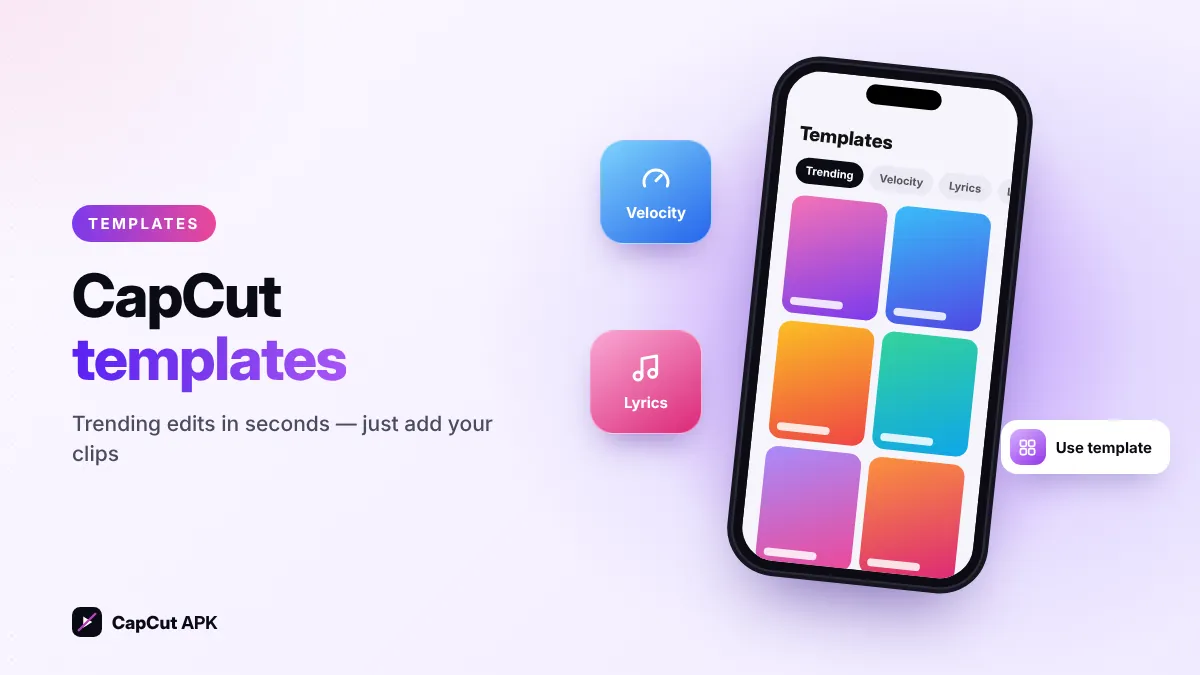
CapCut templates are ready-made edits — music, cuts, effects and text are already set; you just add your own photos or clips. To use one, install the latest CapCut APK, open the Templates tab, search a trend (for example "slow motion" or "birthday"), tap Use template, pick your media and tap Export. No separate "template APK" is needed.
What are CapCut templates?
Every template was created by a CapCut creator using the full editor. When you use it, CapCut copies that creator's edit and swaps their footage for yours. Templates are why so many TikTok and Reels trends look the same — and why they take only seconds to make.
How to use a CapCut template (step by step)
- Update CapCutMany new templates need the newest version. Install the latest CapCut APK.
- Open the Templates tabIt is at the bottom of the CapCut home screen.
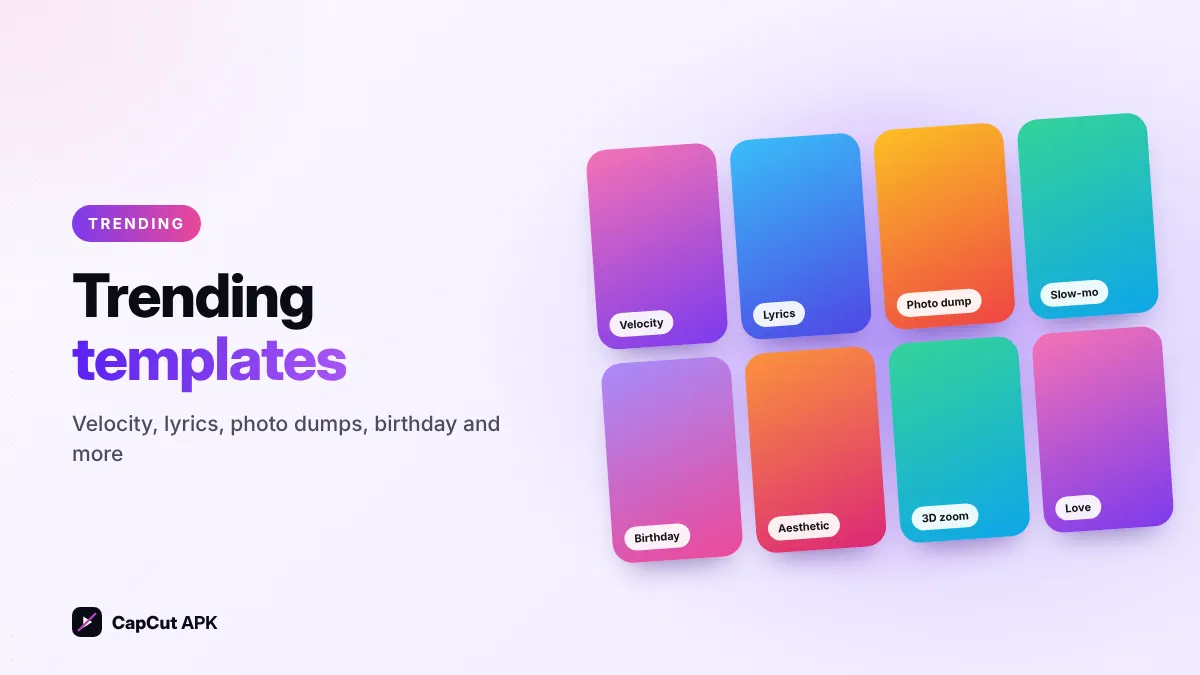
- Find a templateBrowse categories (Trending, Velocity, Lyrics, Love, Birthday…) or search by keyword.
- Check the clip countEach template shows how many clips it needs and its length.
- Tap "Use template"Select the photos or videos from your gallery in order.
- Edit and exportTap Edit to change text or crop clips, then tap Export.
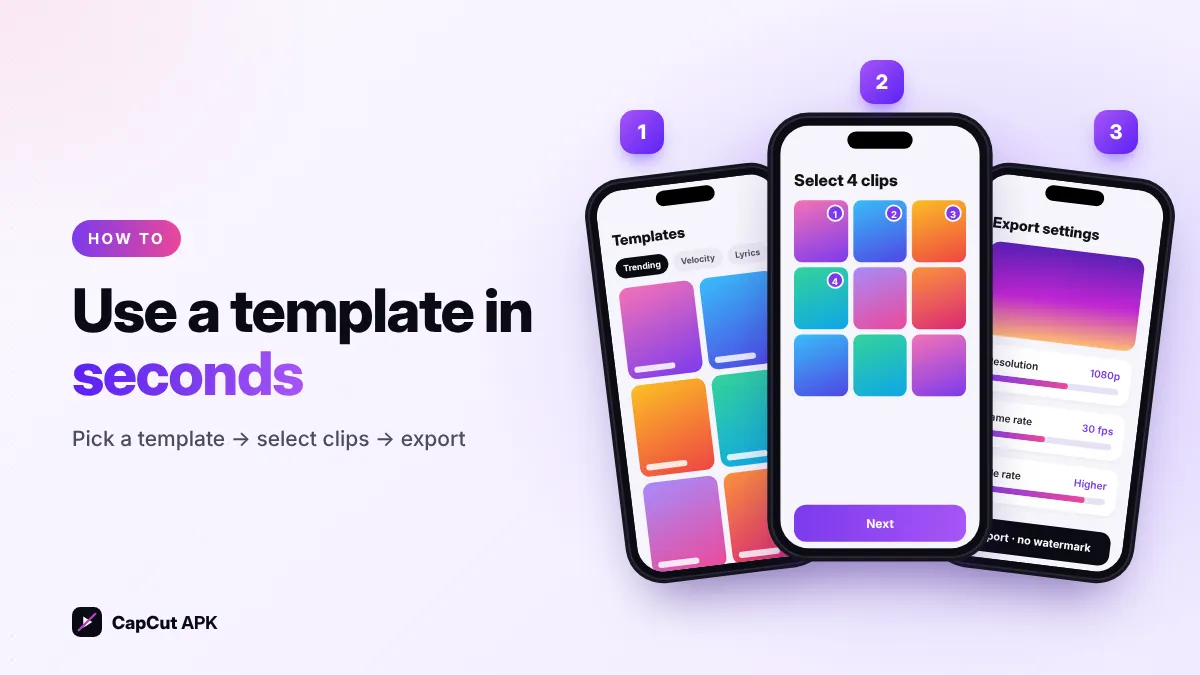
How to use a CapCut template from TikTok
On TikTok, videos made with a template show a "CapCut · Try this template" label above the username. Tap it and choose Use template in CapCut — the app opens the same template directly. If the link does not open, copy the template name and search for it in the CapCut Templates tab.
Popular CapCut template types
Velocity & slow-mo
Speed-ramped edits synced to the beat. Make your own: velocity tutorial.
Lyrics & beat sync
Text and photos change with the song's lyrics and beats.
Photo dumps
Many photos in a fast slideshow with flashes and zooms.
AI & 3D zoom
AI styles and 3D zoom effects that bring still photos to life.
Birthday & love
Ready messages, stickers and music for wishes and couples.
Aesthetic & vintage
Film grain, retro filters and soft color grades.

CapCut template not loading? Fixes
| Problem | Fix |
|---|---|
| Templates tab is empty or missing | Update to the latest CapCut APK, then restart the app. In some regions the tab is limited. |
| "Template unavailable" | The creator removed it or it is not offered in your region — search for a similar one. |
| Stuck on "Loading…" | Switch between Wi-Fi and mobile data, clear CapCut cache in settings. |
| Export fails | Free up storage, close other apps, export at 720p or 1080p. |
Do CapCut templates have a watermark?
Some template exports add a small CapCut watermark or ending. When CapCut offers an export without watermark option (for example sharing straight to TikTok), choose it. CapCut Pro also removes template watermarks. Read our full CapCut without watermark guide.
Can you make your own CapCut template?
Yes, eligible creators can publish their projects as templates from the CapCut app or desktop editor, and popular templates can join CapCut's creator programs in some countries. Start by mastering keyframes and speed curves — the tools behind most trending templates.
Was this helpful? Rate CapCut APK
Be the first to rate