Table of contents
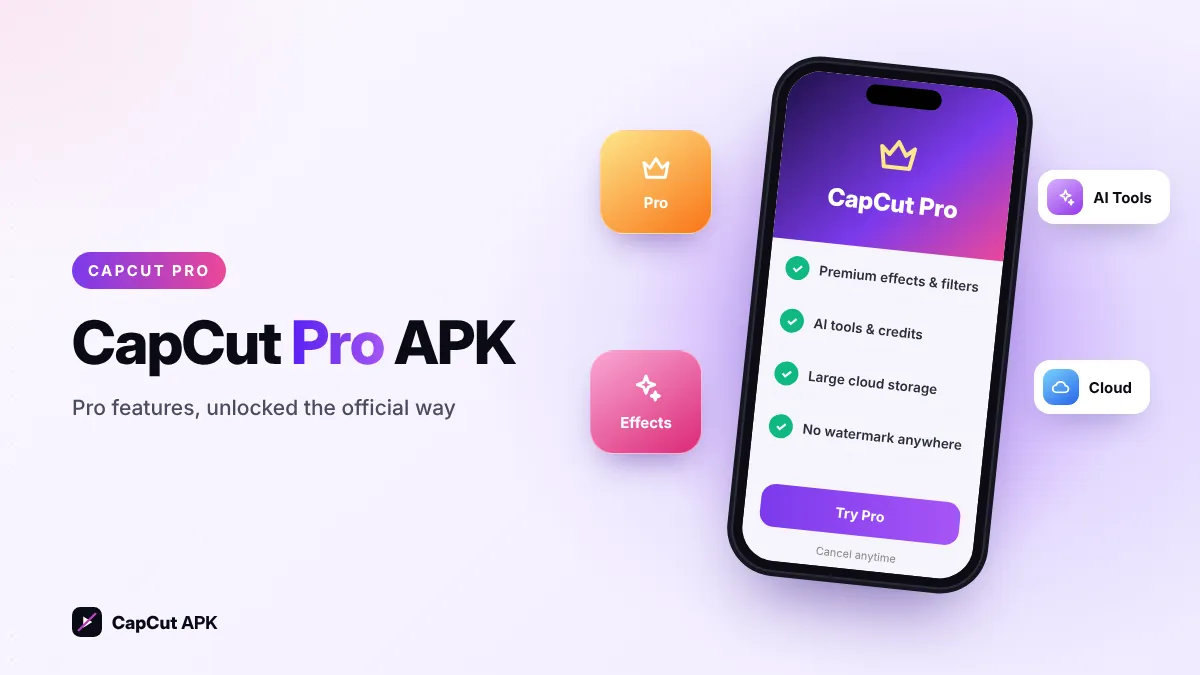
There is no separate official "CapCut Pro APK". CapCut Pro is a subscription you activate inside the normal CapCut app. To get it, download the official CapCut APK (v19.8.0), open it, tap Try Pro (or the Pro badge on any premium item) and subscribe or start the free trial if it is offered in your region. Files called "CapCut Pro APK" on other sites are modified copies.

CapCut APK (Pro ready)
Bytedance Pte. Ltd.
Free download. Original app file from the developer — not modified.
What is CapCut Pro?
CapCut Pro is ByteDance's paid plan for CapCut. It works across the Android app, iPhone app, desktop app and web editor with the same account. It unlocks premium assets, extra AI capabilities, more cloud storage and watermark-free exports on every platform. Your free edits keep working — Pro only adds on top of them.

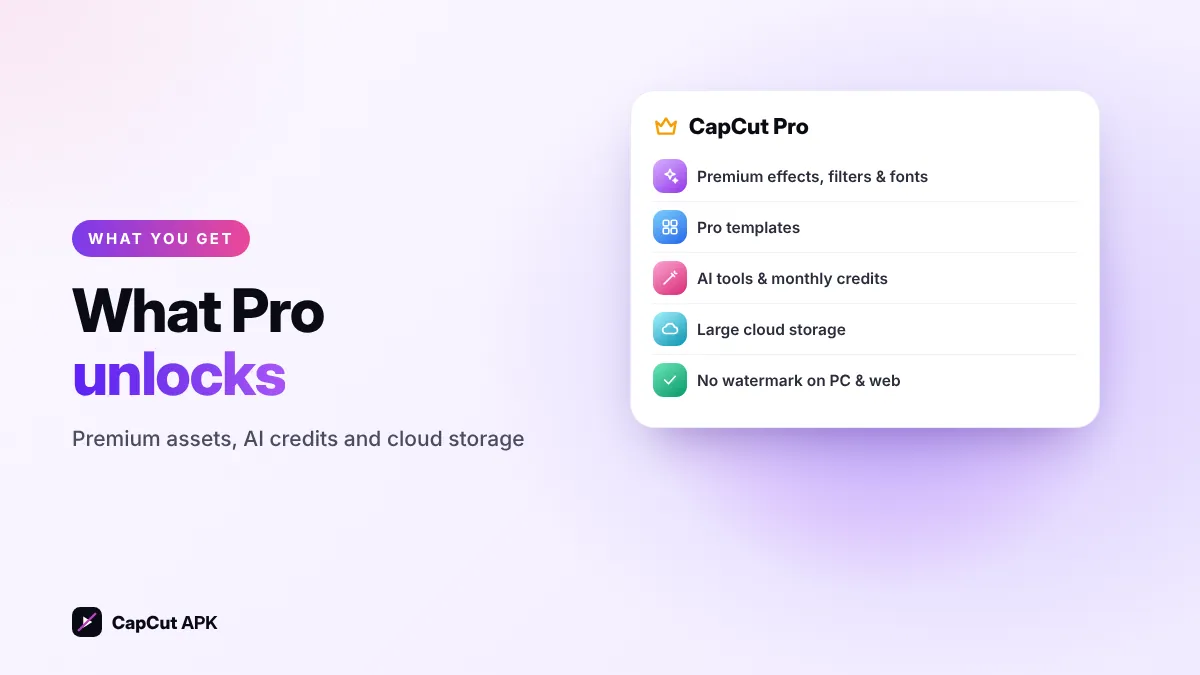
What CapCut Pro unlocks
Premium effects & filters
Hundreds of Pro-only video effects, filters, transitions and animations marked with a Pro badge.
Pro templates
Access to premium templates and text templates in the template library.
AI tools & credits
More uses of AI features such as AI enhancer, auto reframe, AI effects and script-to-video.
Cloud storage
Large cloud space to keep projects and media in sync between phone, PC and web.
Watermark-free everywhere
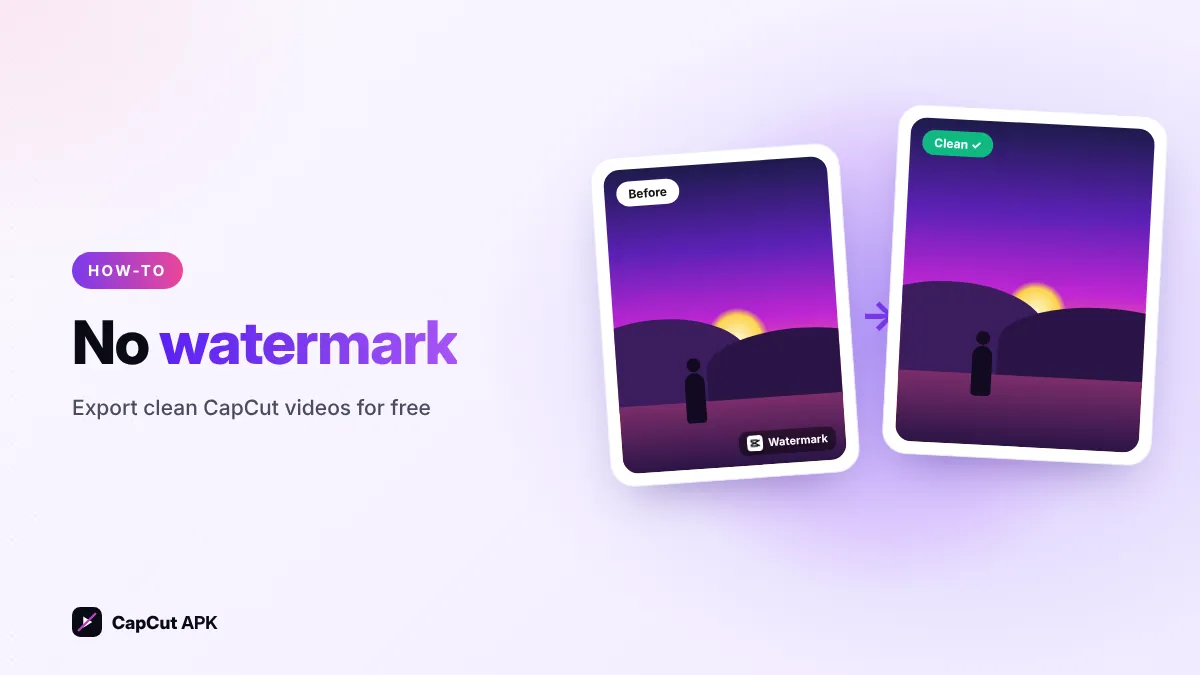
No CapCut watermark on exports from the desktop and web editor as well as mobile.
Premium fonts & voices
Extra fonts, stickers, text-to-speech voices and audio effects.
How much does CapCut Pro cost?
Prices change by country, currency and where you pay. As a guide, in the United States in mid-2026 CapCut listed Pro at about $20 per month or about $180 per year on the web, plus a cheaper Standard plan for mobile-focused users. Subscribing through the CapCut website is usually cheaper than paying through Google Play or the App Store because of store fees.
| Plan | Billing | Who it is for |
|---|---|---|
| Free | ₹0 / $0 | Casual editing, Reels, Shorts and TikToks |
| Standard | Monthly | Mobile creators who want watermark-free exports and commercial use |
| Pro | Monthly or yearly | Creators who need premium assets, AI credits, 4K and big cloud storage |
Always check the price shown inside your CapCut app before you pay — it is the final price for your region.
How to get CapCut Pro on Android (official way)
- Install the official CapCut APKDownload v19.8.0 from the box above and install it.
- Log inSign in with TikTok, Google, Facebook or email — Pro is tied to your account.
- Tap "Try Pro"Find it on the home screen, in your profile, or tap any item with a Pro badge.
- Choose a planPick monthly or yearly. If a free trial is shown, you will not be charged until it ends.
- Confirm paymentPay with Google Play or a card. Pro unlocks instantly on all your devices.
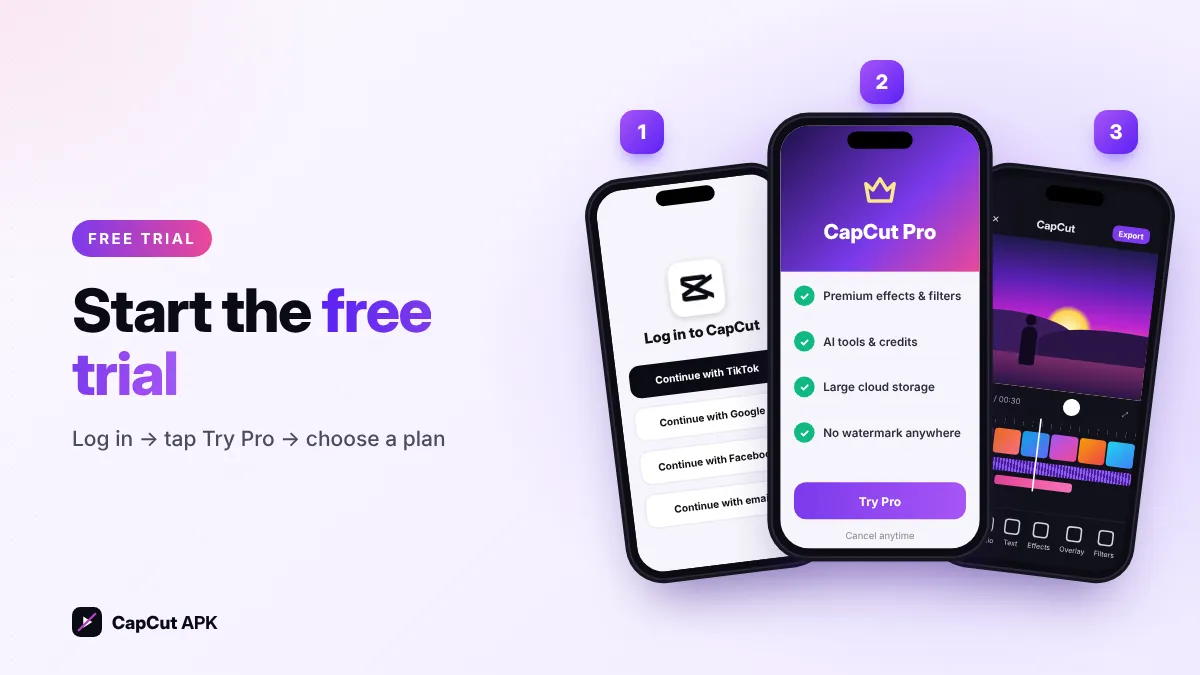
Start the free trial when you have a real project to finish, and set a reminder to cancel a day before it renews if you do not want to continue. You can cancel any time in Google Play → Payments & subscriptions.
"CapCut Pro APK" files vs official Pro
Many sites offer a "CapCut Pro APK" or "Pro unlocked" download. These are modified copies of CapCut, re-signed by someone other than ByteDance. Here is how they compare with the real thing:
| Official CapCut + Pro | "Pro APK" from unknown sites | |
|---|---|---|
| Source | ByteDance, signed original | Unknown modder |
| Malware risk | Very low | High |
| Account & cloud sync | Works | Often broken or banned |
| Updates | Regular | Stuck on old builds |
| Legal | Yes | Breaks CapCut terms and copyright |
Read the full breakdown in our CapCut Mod APK guide.
Free CapCut features you can use instead of Pro
Before paying, try these powerful free tools — most creators never need more:
- Auto captions for subtitles in many languages (tutorial).
- Remove background and Chroma key for green-screen style edits (tutorial).
- Keyframes and speed curves for smooth zooms and velocity edits.
- Thousands of free templates, filters, transitions and sound effects.
- No visible watermark on normal mobile exports — just delete the ending clip (see how).
Is CapCut Pro worth it?
Pro is worth it if you publish videos for clients or brands, use AI features every day, edit on both phone and PC, or need lots of cloud storage. Stay on the free plan if you make a few Reels or Shorts a week — the free tools are already enough for high-quality videos.
Was this helpful? Rate CapCut APK
Be the first to rate