Table of contents
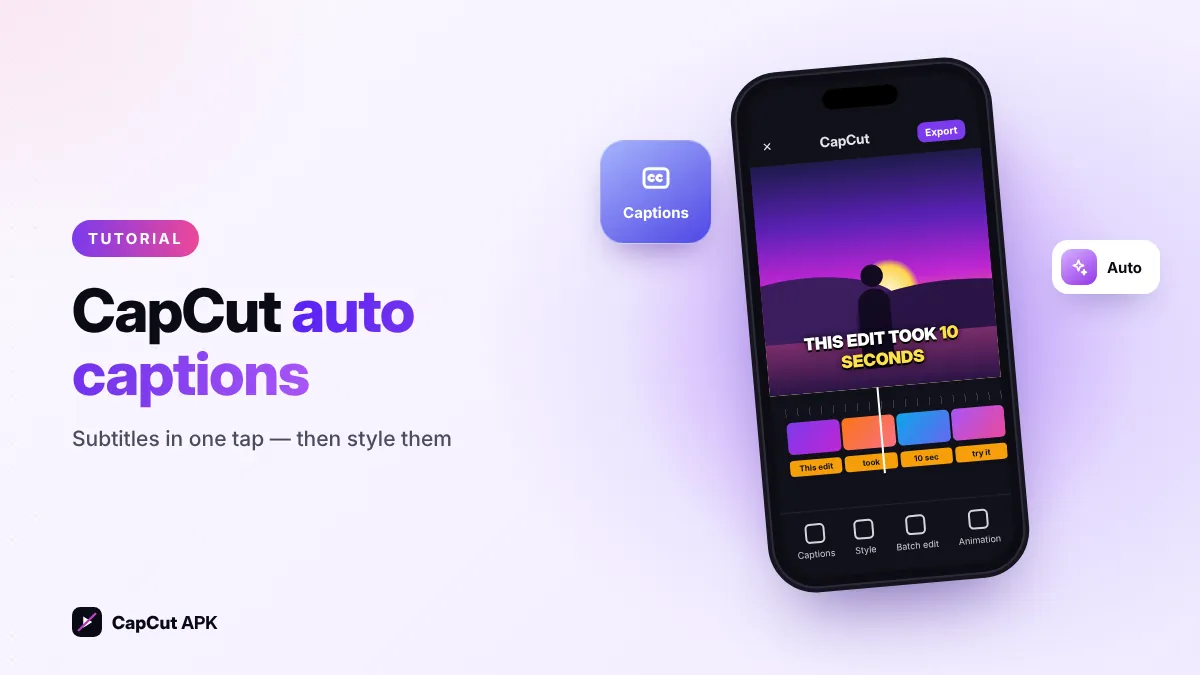
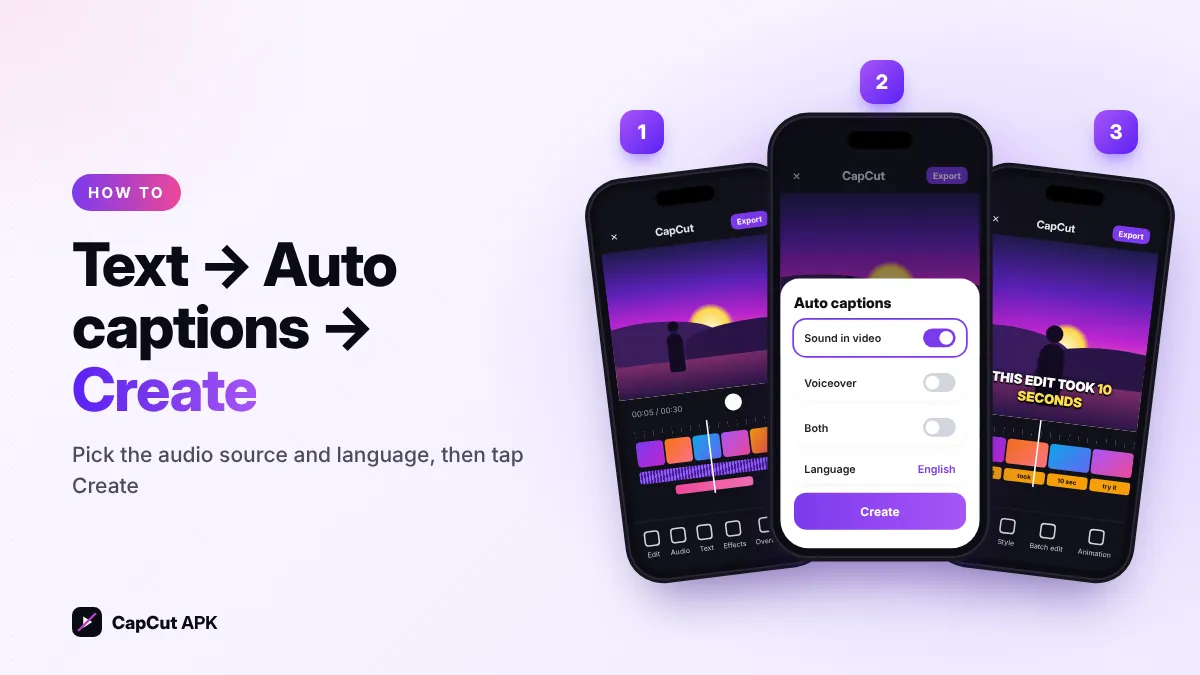
To add auto captions in CapCut: open your project, tap Text → Auto captions, choose which audio to transcribe (video sound, voice-over or both) and the language, then tap Create. CapCut writes the subtitles on the timeline — tap any caption to fix words, and use Style to change the font, color and animation for all captions at once.
Many people scroll social feeds with the sound off, so captions keep viewers watching. The free CapCut APK creates them for you in seconds.
How to add auto captions in CapCut
- Open your projectMake sure your clip has clear speech. Install the latest CapCut for the best accuracy.
- Tap Text → Auto captionsIt's in the bottom toolbar.
- Choose the source and languagePick video sound, voice-over or both, and the spoken language.
- Tap CreateWait a few seconds while CapCut transcribes the audio.
- Fix mistakesTap a caption → Edit (or Batch edit) to correct names, slang and punctuation.
- Style all captionsSelect a caption → Style or Templates; changes can apply to all auto captions.
- ExportThe captions are burned into the video, ready for Reels, Shorts and TikTok.
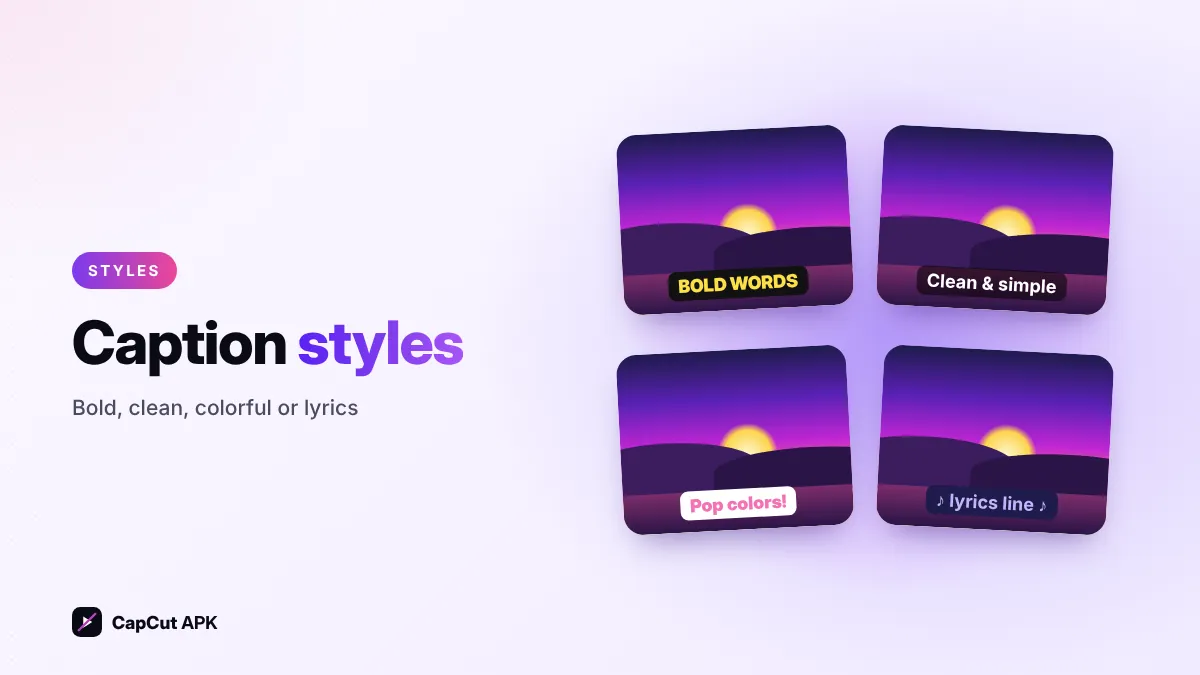
Caption styles that keep people watching
| Style | How to make it | Best for |
|---|---|---|
| Bold word-by-word | Caption template with highlight animation | Talking-head Reels |
| Clean white + shadow | White font, subtle shadow, bottom third | Vlogs, tutorials |
| Colorful pop | Bright text template with bounce animation | Fun, energetic clips |
| Lyrics | Text → Auto lyrics | Music videos |
Tips for accurate captions
- Record in a quiet place; use Noise reduction under Audio first.
- Keep captions to 1–2 short lines and place them above the app buttons area.
- Check brand names and Hindi/Urdu words manually — speech-to-text often misses them.
- Combine captions with a velocity edit or background removal for a pro look.
Auto captions not working?
Auto captions need an internet connection and may not be available in every region or app version. Update to the latest CapCut APK, switch networks and make sure the clip has audible speech. If the app itself won't install, see our install fix guide.