Table of contents
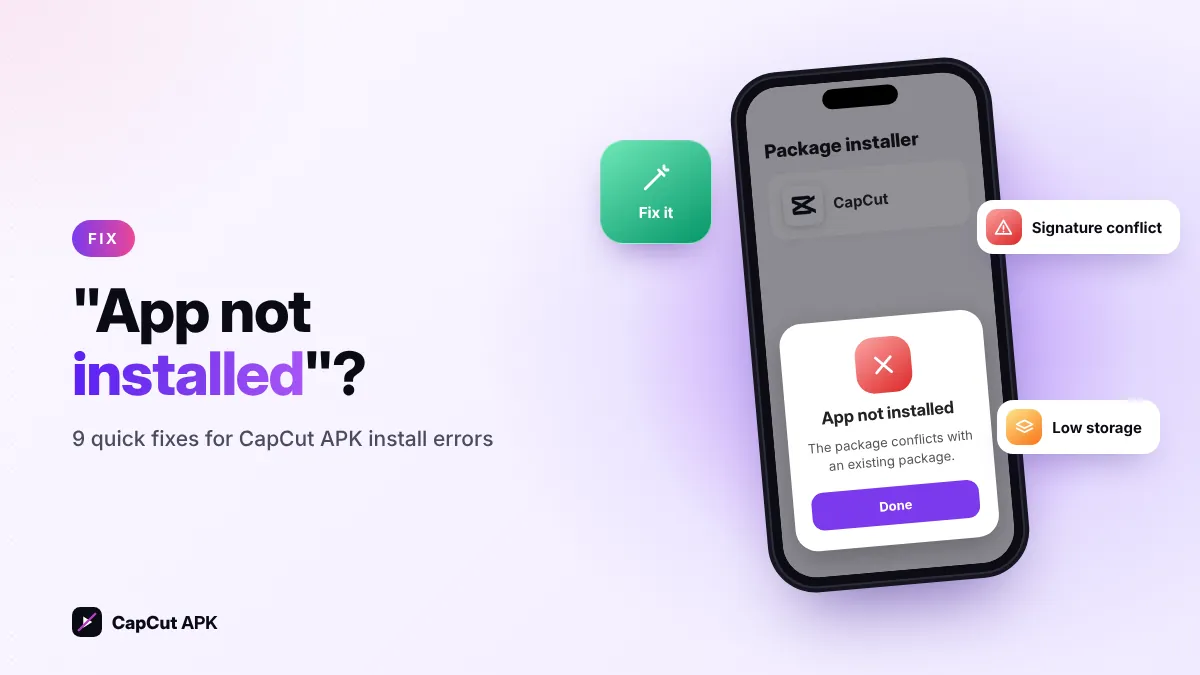
"App not installed" usually means a CapCut with a different signature (often a mod) is already on your phone, the download is incomplete, storage is full, or you are trying to install an older version over a newer one. Uninstall the existing CapCut, free 2 GB of space and re-download the original CapCut APK — this fixes most cases.
9 fixes for CapCut "App not installed"
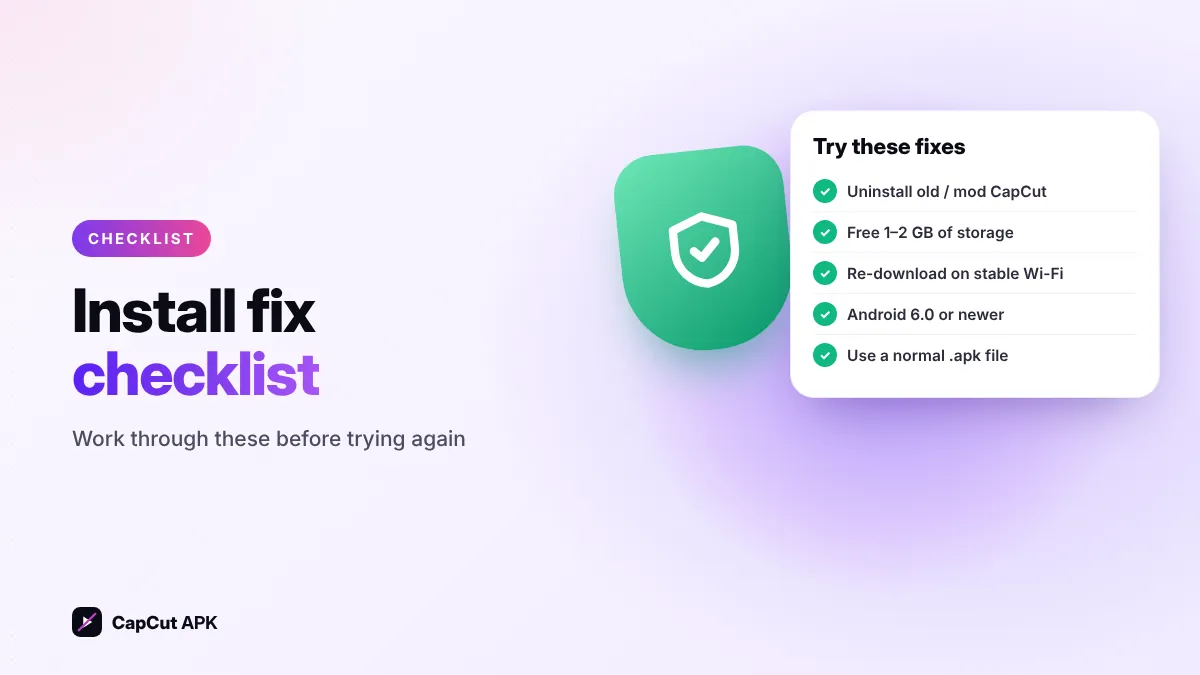
- Uninstall any existing CapCut (especially mods)Android blocks an install when the new file is signed with a different key. A "Pro" or "Mod" CapCut is signed by someone else, so the original cannot replace it. Remove it first. Why mods cause this.
- Don't install an older version over a newer oneDowngrading (for example to 14.0 or 9.8.0) needs the newer app uninstalled first.
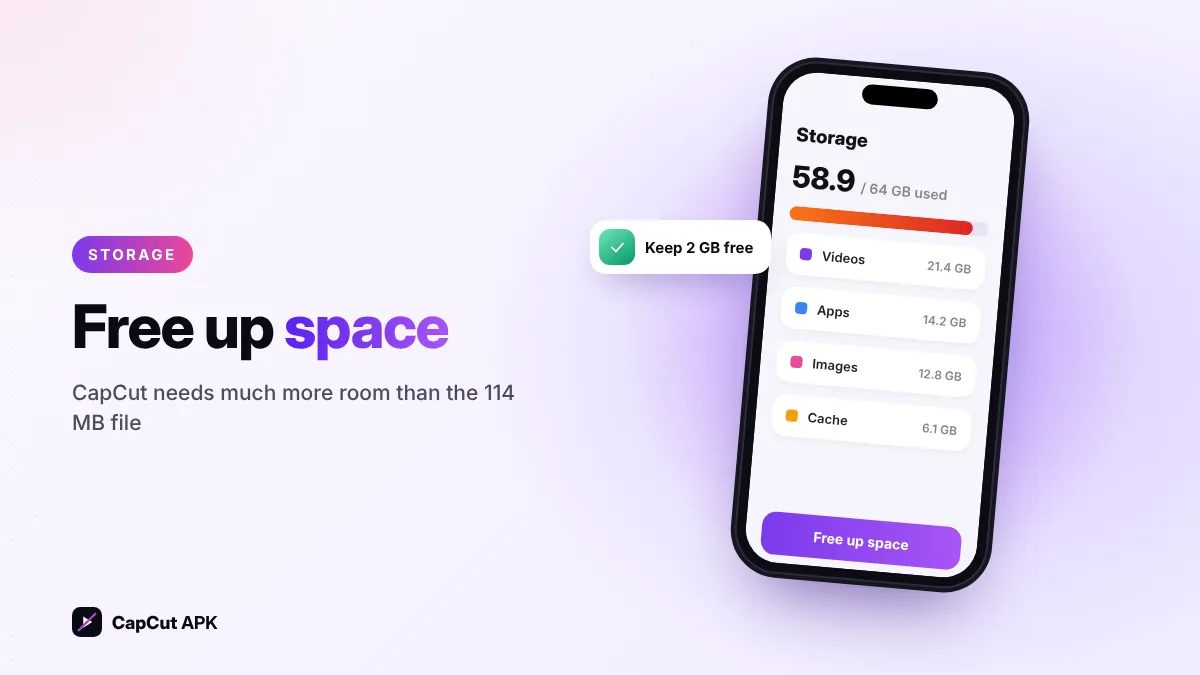
- Free up storageCapCut needs much more space than the 114 MB file. Keep at least 1–2 GB free.
- Re-download the fileAn interrupted download causes "There was a problem parsing the package". Download again on stable Wi-Fi and check the size.
- Check your Android versionThe latest CapCut needs Android 6.0 or newer. On older phones, use an older build or another editor.
- Allow unknown apps for the right appTurn on Install unknown apps for the app you use to open the file (Chrome or Files).
- Use the right file typeSome sites offer split packages (.apks, .xapk or .apkm) that need a special installer. Our download is a normal .apk.
- Let Play Protect scan, don't disable itFor the original file, tap More details → Install anyway if prompted. If Play Protect says the app is harmful, delete that file.
- Restart and try againRestart your phone, clear the cache of the Package installer app (Settings → Apps → show system apps) and install again.
Error messages and what they mean
| Message | Meaning | Fix |
|---|---|---|
| App not installed | Signature conflict, downgrade or low storage | Fixes 1–3 |
| There was a problem parsing the package | Broken download or Android too old | Fixes 4–5 |
| For your security, your phone is not allowed to install unknown apps | Permission missing | Fix 6 |
| Blocked by Play Protect | File scanned as unsafe or unknown | Fix 8 |
| App not installed as package appears to be invalid | Split APK or corrupted file | Fixes 4 & 7 |
CapCut installed but crashing?
- Clear CapCut's cache: Settings → Apps → CapCut → Storage → Clear cache.
- Update to the latest version — or try an older build on low-RAM phones.
- Export at 1080p instead of 4K.
- Close other apps while editing long projects.
Still stuck? Follow our simple Hindi guide: CapCut kaise download karen, or contact us with your phone model and the exact error.