Table of contents
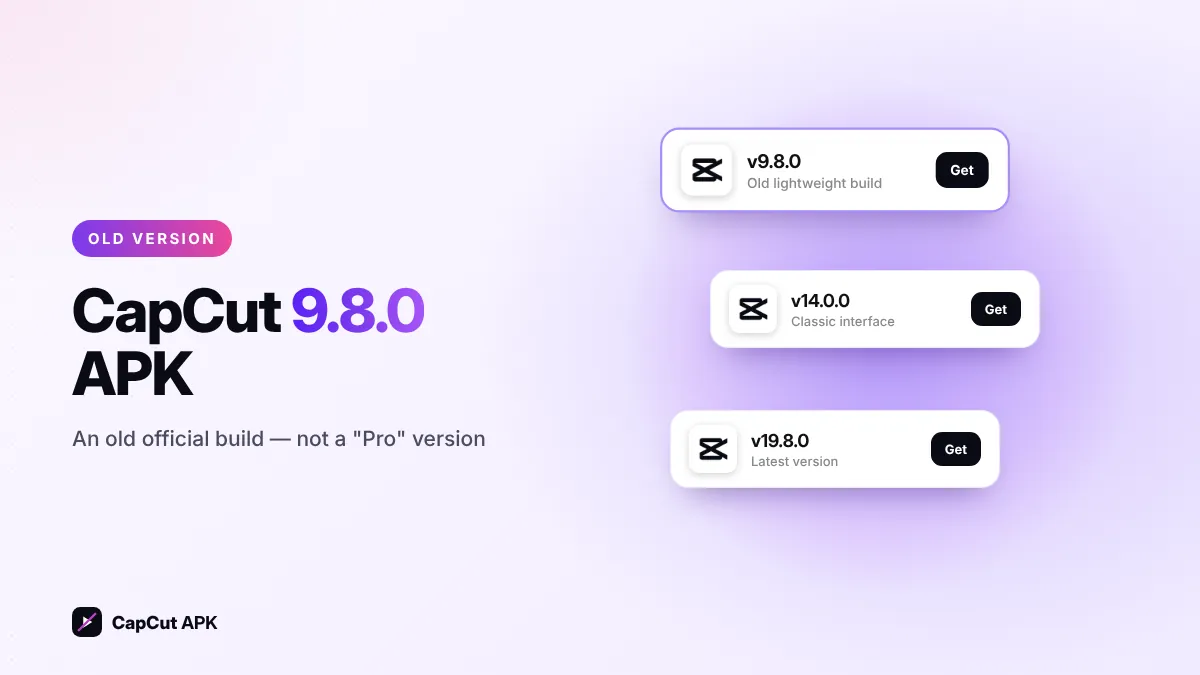
CapCut 9.8.0 is an old official release of the CapCut video editor — not a Pro or premium version. People search for "CapCut Pro 9.8.0" because it was shared widely as a light build for older phones. It can still help on low-RAM devices, but it lacks new templates, AI tools and security fixes. For most users the latest CapCut APK (v19.8.0) is the better choice.
What is CapCut 9.8.0?
Version 9.8.0 is one of the older builds of CapCut APK published by Bytedance Pte. Ltd. It has the classic CapCut interface: timeline editing, speed, transitions, text, stickers, filters, music and templates. Many YouTube videos and file-sharing posts labelled it "CapCut Pro 9.8.0", which is why it still gets tens of thousands of searches every month.
Is CapCut 9.8.0 a Pro version?
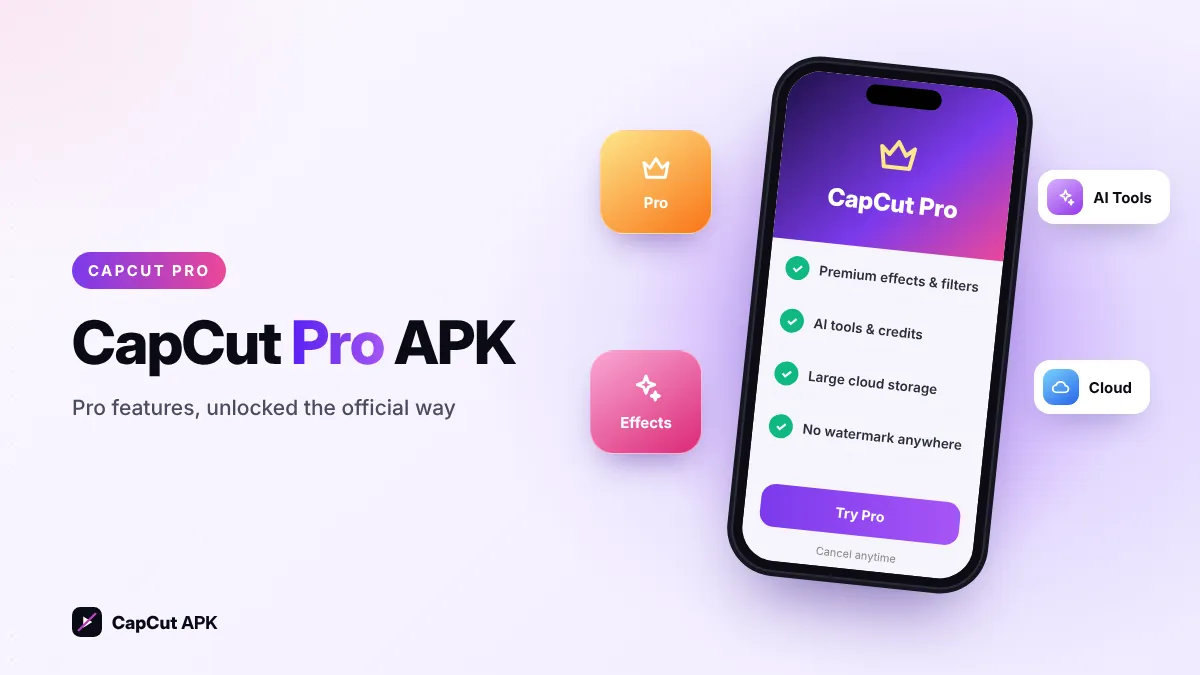
No. CapCut has never released a separate "Pro" APK. Pro is an in-app subscription linked to your account (how CapCut Pro works). A file named "CapCut Pro 9.8.0" is either:
- the normal official 9.8.0 build with a misleading name, or
- a modified (mod) APK that claims to unlock premium features — which carries malware and account-ban risks.
CapCut 9.8.0 vs the latest version
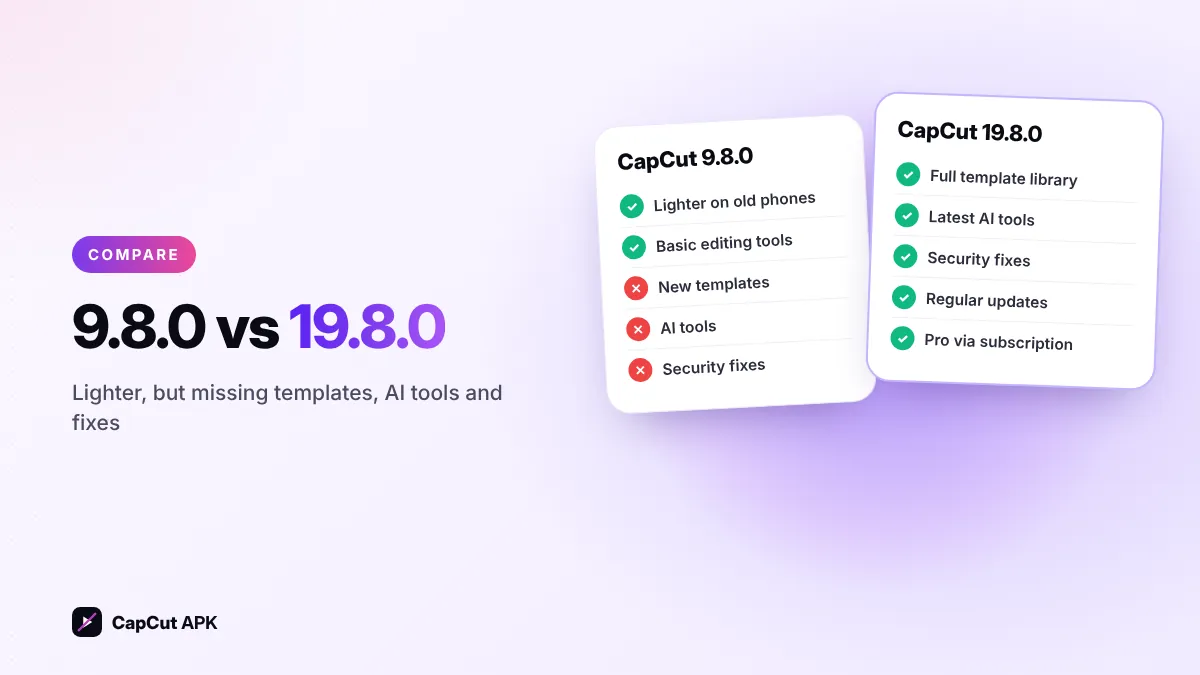
| CapCut 9.8.0 | CapCut 19.8.0 (latest) | |
|---|---|---|
| Release type | Old official build | Current official build |
| Templates | Many may not load | Full, updated library |
| AI tools | Few or none | Latest AI features |
| Security fixes | Outdated | Up to date |
| Performance on low-RAM phones | Lighter | Heavier |
| Pro features | Only with subscription | Only with subscription |
Who should use CapCut 9.8.0?
- You have an older phone with 2–3 GB RAM and the latest CapCut lags or crashes.
- You only need basic editing (trim, music, text, filters) and do not use AI tools.
- You are testing an old project that opened better in the classic interface.
If none of these apply, stay on the latest version. For a middle ground, try CapCut 14.0.
How to install CapCut 9.8.0 APK
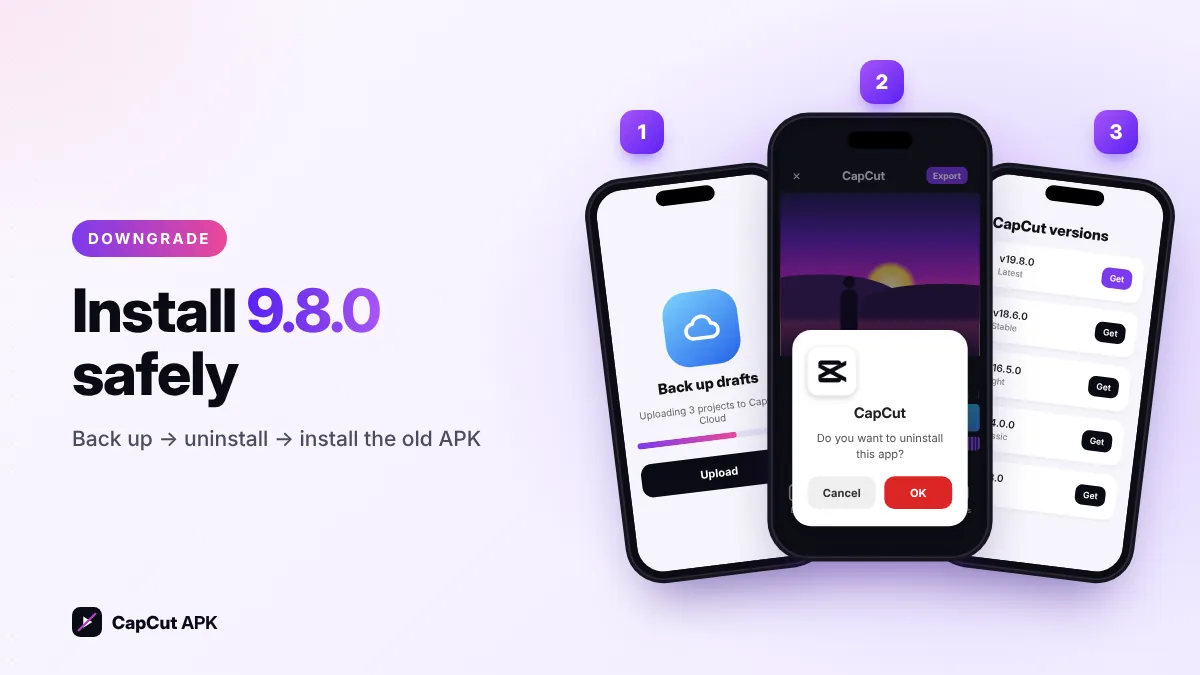
- Back up your draftsUpload important projects to CapCut Cloud or export finished videos. Uninstalling removes local drafts.
- Uninstall the current CapCutAndroid will not install an older version over a newer one.
- Download the 9.8.0 APKGet it from our old versions list — never from comment links or file lockers.
- Install and turn off auto-updateOpen the file, tap Install. If CapCut is on your Play Store, turn off auto-update so it is not replaced.
That usually means a newer or modded CapCut is still on your phone. See 9 ways to fix "App not installed".
Problems you may face on 9.8.0
- Some templates show "unavailable" because they need newer app features.
- Login or cloud sync may stop working when CapCut changes its servers.
- No new effects, fonts or AI tools.
- Old builds do not receive security patches.